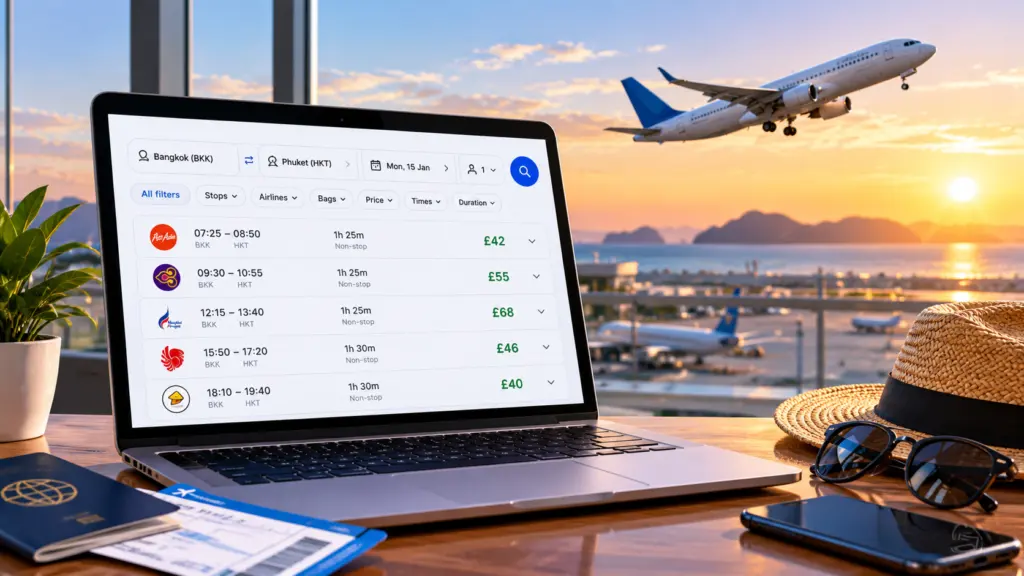
Google Flights is a useful tool for comparing flight prices, exploring destinations and checking alternative travel dates. Whether you’re planning a short European city break, a family holiday or a long-haul journey, understanding how to use its features can help you make more informed booking decisions.
In this Lake Journey guide, we’ll explain how to search for flights using Google Flights, compare prices across dates, set up price tracking and avoid common booking mistakes.
EXPLORE FLIGHTS WITH LAKE JOURNEY
Research flight options for your next holiday and review the available booking conditions before making a reservation.
WHAT YOU’LL LEARN
- What Google Flights is
- How to search for flights
- How to compare flexible travel dates
- How to track flight prices
- How to use flight filters
- Important booking tips
- Frequently asked questions
1. WHAT IS GOOGLE FLIGHTS?
Google Flights is a flight search and comparison service. It allows travellers to explore routes, compare flight schedules and view prices from participating airlines and booking providers.
Unlike an airline’s own website, Google Flights can display options from multiple providers in one search. This makes it useful when comparing direct flights, connecting journeys, different departure airports and alternative dates.
Google Flights is primarily a comparison tool. When you choose an itinerary, you will generally be directed to an airline or booking provider to complete your reservation.
2. HOW TO SEARCH FOR FLIGHTS USING GOOGLE FLIGHTS
Getting started is straightforward:
- Visit Google Flights.
- Enter your departure airport or city.
- Choose your destination.
- Select one-way, return or multi-city travel.
- Enter your travel dates and passenger details.
- Choose your cabin class.
- Review the available flights and compare the total journey details.
Example: Manchester to Dubai
Suppose you’re travelling from Manchester to Dubai. Search for your preferred dates, then compare direct services against connecting flights. A connecting itinerary may have a lower advertised fare, but the longer journey and any additional baggage costs could make it less suitable.
Check the departure airport, arrival airport, total journey time and connection details before choosing a flight.
3. USE FLEXIBLE DATES TO COMPARE FLIGHT PRICES
One of the most helpful Google Flights features is the ability to compare prices across different travel dates.
When your holiday dates are flexible, look at the date grid or price graph where available. These tools can help you identify whether travelling a few days earlier or later may offer a different fare.
Practical ways to compare dates
- Check departures a few days before and after your preferred date.
- Compare weekend travel with midweek options.
- Look at alternative return dates rather than only changing your outbound flight.
- Consider nearby airports if the cost of getting to them is reasonable.
- Compare the final price, including baggage and other necessary extras.
There is no guaranteed cheapest day to fly or book. Prices change according to demand, route, availability and airline pricing decisions.
COMPARE MORE FLIGHT OPTIONS
Explore Lake Journey’s flight page when planning your next trip.
4. HOW TO TRACK FLIGHT PRICES
If you’re not ready to book immediately, Google Flights offers price tracking for eligible searches.
After entering your route and dates, look for the option to track prices. You may need to sign in to your Google Account. Depending on the search, tracking may be available for specific dates or more flexible travel periods.
Google can send notifications when tracked fares change. This helps you monitor a journey without repeating the same search every day.
Important things to remember
- A price alert does not reserve a seat or guarantee a fare.
- Prices may change before you complete a booking.
- A lower price does not always include the same baggage allowance or flexibility.
- Check the final booking page before paying.
Price tracking is useful for monitoring changes, but it cannot predict the lowest possible future fare with certainty.
5. USE FLIGHT FILTERS TO FIND A SUITABLE JOURNEY
The cheapest displayed flight is not always the best option. Google Flights provides filters that can help narrow down your search.
Useful filters to consider
- Stops: Compare non-stop flights with one-stop or multi-stop journeys.
- Airlines: View flights operated by particular airlines or airline groups.
- Bags: Review relevant baggage options where available.
- Times: Choose departure and arrival times that suit your schedule.
- Duration: Avoid unnecessarily long journeys or connections.
- Airports: Compare alternative departure and arrival airports.
For families travelling with children, a convenient departure time and shorter journey may be worth more than a small fare saving.
6. IMPORTANT TIPS BEFORE BOOKING YOUR FLIGHT
Once you find a suitable itinerary, take a few minutes to review the booking details carefully.
Check the total cost
Look beyond the initial ticket price. Some fares may exclude checked baggage, seat selection or other services.
Understand who handles your booking
Check whether you’re booking directly with an airline or through a third-party provider. This can affect whom you contact for changes, cancellations and refunds.
Review connections and separate tickets
Some itineraries involve separate bookings or self-transfers. These may require collecting baggage, checking in again or meeting additional entry requirements. They can also carry greater disruption risks.
Read cancellation and change conditions
Understand whether your fare permits changes or refunds, and what charges might apply.
Check travel documents
Make sure your passport, visa and transit arrangements meet the requirements for your journey. Use official government and airline information to confirm current rules.
7. GOOGLE FLIGHTS VS OTHER FLIGHT COMPARISON OPTIONS
Google Flights can be useful for researching routes, identifying alternative dates and monitoring fares. However, no single comparison service necessarily displays every airline, fare or booking option.
For a more complete picture, you can compare the itinerary with the airline’s own website and other relevant travel search services.
Lake Journey provides travel information and links to flight booking options, helping you continue researching your trip.
FREQUENTLY ASKED QUESTIONS
Is Google Flights free to use?
Yes. You can use Google Flights to search and compare flight options without paying a search fee. The airline or booking provider determines the applicable ticket price and booking conditions.
Can I book a flight directly through Google Flights?
Google Flights generally helps you find and compare itineraries before directing you to an airline or booking provider to complete your purchase.
Does Google Flights always show the cheapest tickets?
Not necessarily. Prices and availability vary, and some airlines or booking options may not appear. Compare the final payable amount and included services before booking.
How do Google Flights price alerts work?
For eligible searches, you can enable price tracking and receive notifications about fare changes. The feature does not guarantee that a particular fare will remain available.
FINAL THOUGHTS
Google Flights can make flight research easier by bringing route options, date comparisons and price tracking into one place. Its flexible search tools are especially useful when you’re deciding between airports, travel dates and different journey times.
Before booking, always review the total cost, baggage allowance, connection details and cancellation conditions. The best flight is the one that offers a suitable balance of price, convenience and flexibility for your trip.
At Lake Journey, our aim is to help travellers plan more confidently through practical travel guides and useful booking links.
PLAN YOUR NEXT JOURNEY WITH LAKE JOURNEY
Explore flight and accommodation options as you prepare for your next adventure.
Disclaimer: Lake Journey is an independent travel information website and is not affiliated with or endorsed by Google. Google Flights is a service provided by Google. Flight prices, availability, features and booking conditions may change. Always verify current details with the relevant airline, booking provider and official authorities. Some links on Lake Journey may be affiliate links.